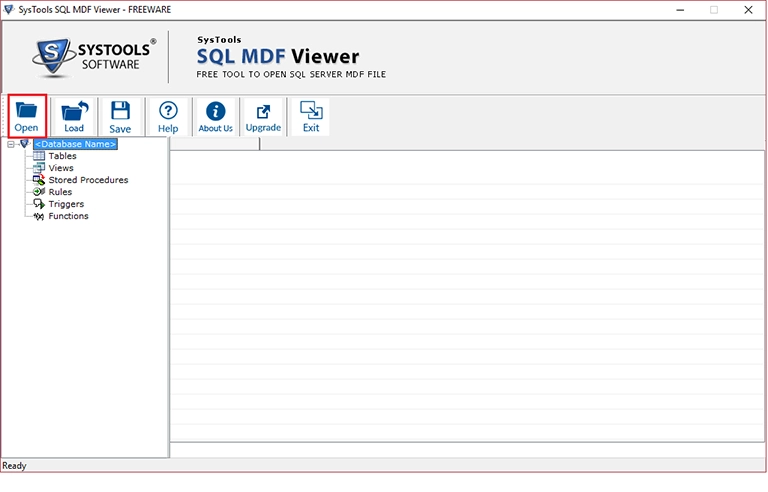
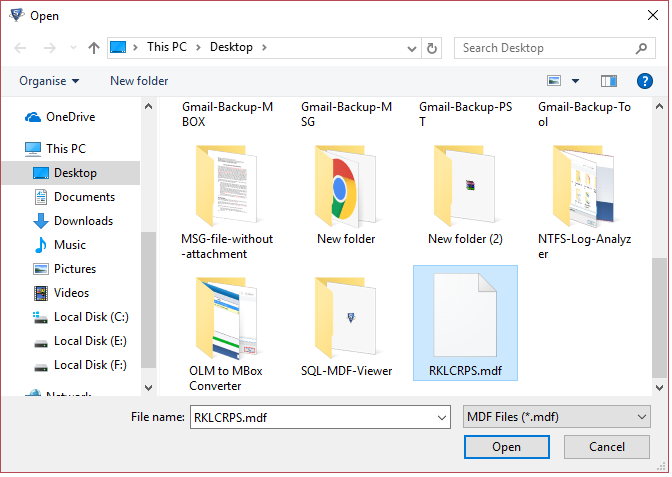
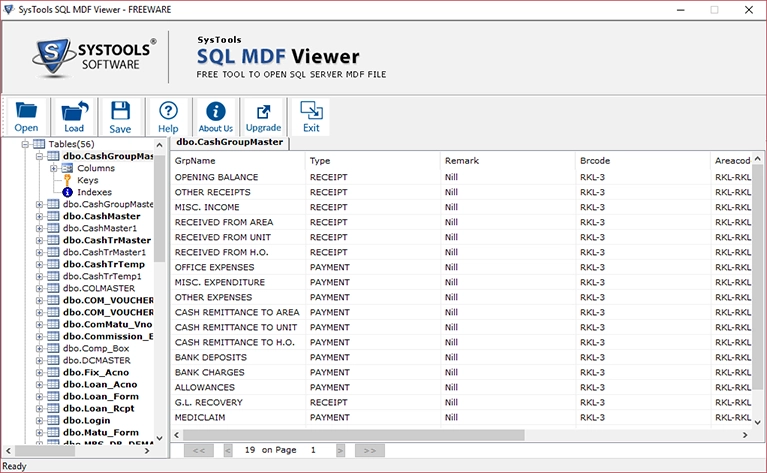
MS SQL MDF Viewer Tool is an independent application to open and read data from MDF file without SQL server. It is a freeware which can be used to analyze MDF file of SQL server 2016 and all below versions.
Download Now
Safe & Secure
Upgrade to Pro
30 Days Money Back*
Follow these straightforward steps to repair or unlock a device using the utility: Step 1: Pre-requisites & Setup
No. The tool performs reset and formatting operations, which permanently erase data. Data recovery would require specialized forensic tools.
Select to grant the tool full system privileges. Step 3: Execute a Function (Example: Erasing FRP)
: Power off your smartphone completely. Hold down both the Volume Up and Volume Down buttons simultaneously, then connect the phone to the computer via a reliable USB cable.
Compatibility with the latest Android versions varies. The tool was primarily designed for older MTK chipsets and may not support the newest devices. Version 1.4.1 offers better compatibility for modern phones.
This tool can remove network carrier locks on many MTK devices, particularly from local carriers in Indonesia, the Philippines, and India. It works by manipulating the secro partition.
Step-by-Step Guide: How to Setup and Use MTK GSM Sulteng 1.3.8
: Always scan downloaded files with updated antivirus software before execution. Consider running the tool in a virtual machine or on a dedicated testing computer if possible.
Boot the smartphone into its native stock recovery mode (usually by holding Power + Volume Up while off) and select "Wipe Data / Factory Reset" manually. Essential Safety Precautions
Targeted fixes for Y-series and V-series MTK-powered models.
Windows 7, 8, 10, or 11 (64-bit recommended). Processor: Intel Core i3 or equivalent AMD processor. RAM: Minimum 2 GB (4 GB recommended). Storage: Less than 100 MB of free space. Peripherals: A high-quality USB data cable. Step-by-Step Installation Guide
The Ultimate Guide to MTK GSM Sulteng 1.3.8: The Essential Tool for MediaTek Device Repair
Screenshots
Video
Follow these straightforward steps to repair or unlock a device using the utility: Step 1: Pre-requisites & Setup
No. The tool performs reset and formatting operations, which permanently erase data. Data recovery would require specialized forensic tools.
Select to grant the tool full system privileges. Step 3: Execute a Function (Example: Erasing FRP)
: Power off your smartphone completely. Hold down both the Volume Up and Volume Down buttons simultaneously, then connect the phone to the computer via a reliable USB cable. Mtk Gsm Sulteng 1.3.8
Compatibility with the latest Android versions varies. The tool was primarily designed for older MTK chipsets and may not support the newest devices. Version 1.4.1 offers better compatibility for modern phones.
This tool can remove network carrier locks on many MTK devices, particularly from local carriers in Indonesia, the Philippines, and India. It works by manipulating the secro partition.
Step-by-Step Guide: How to Setup and Use MTK GSM Sulteng 1.3.8 Follow these straightforward steps to repair or unlock
: Always scan downloaded files with updated antivirus software before execution. Consider running the tool in a virtual machine or on a dedicated testing computer if possible.
Boot the smartphone into its native stock recovery mode (usually by holding Power + Volume Up while off) and select "Wipe Data / Factory Reset" manually. Essential Safety Precautions
Targeted fixes for Y-series and V-series MTK-powered models. Select to grant the tool full system privileges
Windows 7, 8, 10, or 11 (64-bit recommended). Processor: Intel Core i3 or equivalent AMD processor. RAM: Minimum 2 GB (4 GB recommended). Storage: Less than 100 MB of free space. Peripherals: A high-quality USB data cable. Step-by-Step Installation Guide
The Ultimate Guide to MTK GSM Sulteng 1.3.8: The Essential Tool for MediaTek Device Repair
Reviews